Roles & Access Control
Everyone sees only what they should — and every action is on the record.
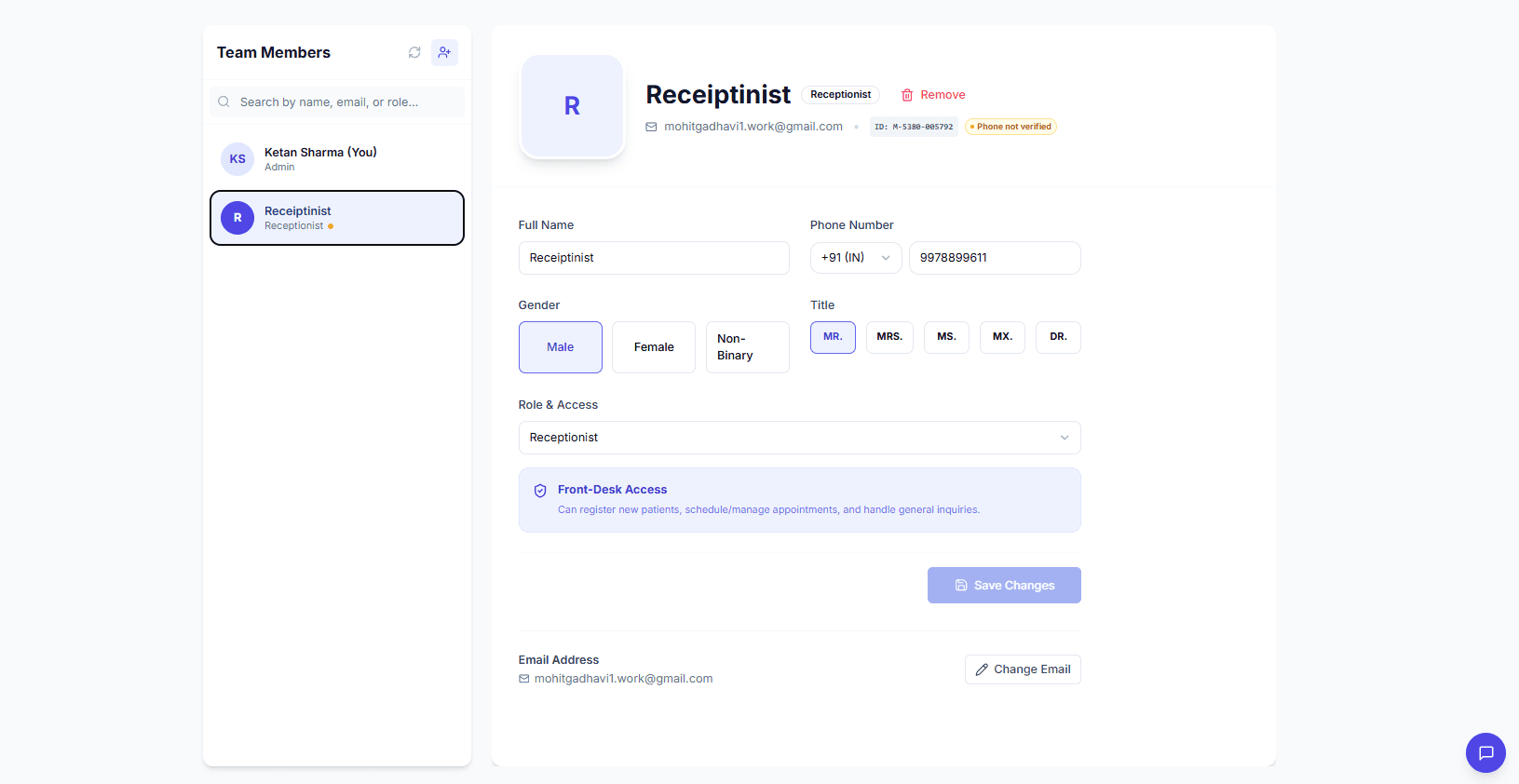
Give every team member the right access — Admin, Doctor, or Receptionist — and keep a timestamped audit log of every action, linked to the person who performed it.
 Sample data
There's no way to limit what each person can see or do. Everyone has access to everything, which creates privacy risks and data integrity problems as the clinic grows.
How it works
Assign a role
Every team member is an Admin, Doctor, or Receptionist, each with its own permission set and portal.
Scope the data
Doctors see clinical data and prescriptions, receptionists manage appointments and billing, admins control the whole clinic.
Log every action
Each create, update, and delete is recorded — timestamped and linked to the team member who did it.
Manage the team
Invite by email, assign roles, and deactivate members instantly while preserving their historical records.
What's included
Role-based access and the audit log are included on all plans. Larger teams are supported on Professional.
Who it's for
Admins
Control access and hold the team accountable with a full trail.
The whole clinic
Protect patient privacy as the practice grows.
Frequently asked questions
ZidBit has built-in Admin, Doctor, and Receptionist roles, each with its own permission set. Doctors access clinical data, receptionists handle appointments and billing, and admins control the clinic.
See it in action.
Roles & Access Control is live and ready. Your first 30 days are completely free — no credit card required.